8 ways to avoid incident communication delays


Jake Bartlett
9 min read
A sudden outage strikes, and users can't access your service. Support tickets start piling up, confusion turns into frustration, and every minute of silence makes it worse. Customers lose trust, your team scrambles to catch up, and what should have been a quick fix spirals into a chaotic firefight.
A good incident communication process fixes this. Acknowledging the issue quickly manages expectations, keeps your support team from drowning in repeat tickets, and lays the groundwork for smoother recovery.
In this article, we'll cover why speed matters in incident communication and share practical tips for avoiding communication delays during an incident.
Key takeaways
- Acknowledge an incident immediately, even if you don't have all the details yet. Silence does more damage than an imperfect first update.
- Delayed incident communication increases support tickets, erodes trust, and turns manageable issues into bigger problems.
- A designated incident communicator and documented plan prevent scrambling when something goes wrong.
- Consistent updates are equally important. Customers want to know you're still focused on resolving the incident.
The importance of timely incident communication
Software outages and incidents are disruptive, and when communication with customers is delayed, it exacerbates the frustration and uncertainty customers experience. Time is of the essence. Your team needs to work quickly to resolve the incident, but you also need a plan to communicate with your customers quickly.
Reduces uncertainty and sets expectations
Experiencing an issue with a software service can be confusing at first. Customers might wonder if it's a user error on their part or if other people are also experiencing the same problem. Shortly after, the confusion morphs into frustration, especially if the company hasn't communicated anything.
Clear and quick communication fills the information gap and leaves less room for questions, confusion, and frustration. Promptly acknowledging a critical issue sets expectations with customers that you're aware of the problem and working to resolve it. It fosters confidence and ensures people understand what's happening and how it affects them.
Depending on how much you know early on, you can set expectations with customers about estimated resolution times, workarounds, and anything else they should know. But don't sweat it if these details aren't available yet. The most important thing is acknowledging the incident as quickly as possible, ideally before customers report it.
Let's look at the post below on X about a recent widespread Verizon outage:
"Is @Verizon down for anyone else right now? My service disappeared at 10am, and no amount of restarting or switching into + out of airplane mode is helping with the signal. Zero service #Verizon"
If Verizon had acknowledged this outage with customers sooner, they would have avoided a lot of confusion and uncertainty. Instead, they allowed time for customers to post about their frustrating experiences, creating a negative perception of their brand and deteriorating trust with customers.
Builds trust
Quick communication about an incident demonstrates accountability early on, which helps build and maintain customer trust. While an outage is seen as a negative situation at first, how you respond to these situations is what matters. The right response can result in more trust and loyalty, creating happy customers.
This idea is exemplified in the service recovery paradox (SRP). The idea is simple: a customer who has a problem and sees it handled well often ends up more loyal than one who never had a problem at all. In other words, even when something goes wrong, how you respond can strengthen customer loyalty and create a more positive brand perception.
Prompt communication is critical in turning a negative situation into a positive customer experience, showing customers you care and are on top of the issue. Let's take a look at another example from X:
"We're aware of the errors that customers are seeing after checkout. These orders are complete/recoverable, and our team is working on the database updates now. This does not require a contact to Framework Support as we've already identified the affected orders. Thanks for your patience!"
Framework communicated quickly, reassuring customers they were on top of the issue. This resulted in customers showing appreciation in a public forum… a stark contrast from the Verizon example above.
Deflects support tickets
When issues arise, it's natural for customers to reach out to report their experience and seek more information. The problem is, depending on how widely used your service is, this can result in hundreds, maybe even thousands of repeat support inquiries.
The sooner you communicate about an outage, the fewer tickets that will flood your support queue. Alternatively, without prompt communication, you'll create frustrated customers and bog down your support team, leading to a much more stressful work environment.
Bottom line: communicate proactively. Don't wait to hear from customers before communicating about an outage. Even if you don't have all the details yet, that's ok. Communicating something is better than communicating nothing.
Now, let's explore some strategies for avoiding communication delays during incidents.
8 ways to avoid delays in incident communication
Quick communication during incidents helps set expectations, build trust, and reduce incoming support tickets. Here are some ways to improve communication speed.
1. Designate an incident communicator
First, someone needs to own getting the message out when things go sideways. There are many roles and responsibilities behind the scenes of an incident, but when it comes to customer service, the incident communicator is vital in delivering a great customer experience.
Who you designate as an incident communicator depends on your team size and company structure. The most important thing is always to have someone responsible for incident communication and to make sure that person understands the expectations of that role.
The incident communicator might be your customer support lead, engineering manager, or even a co-founder if your company is just getting started. Whatever the case, have a plan for always knowing who will handle communication during an incident. Not having a plan or a designated incident communicator wastes precious time and widens the information gap, leaving room for more frustration and creating unhappy customers.
Tip: Train incident communicators to write quickly while conveying empathy.
2. Create an incident communication plan
In addition to appointing an incident communicator, you should iron out other important details in an incident communication plan well ahead of time. Your incident communication plan should be an extension of your overall incident response plan. It outlines how, when, and where you communicate internally with your team and externally with stakeholders.
Having an incident communication plan ensures everyone knows their role when an incident occurs, saving you time that would otherwise be spent scrambling to figure things out in the heat of the moment.
Your plan should outline the roles and responsibilities of everyone involved in an incident and specify your communication channels, frequency, and tone of voice. You could include some standard templates as a starting point to help you save time. If you do this work beforehand, you'll thank yourself when an incident arises, as your team will be set up to communicate quickly.
Tip: Treat it as a living document – start simple and build on it as needed. Keep it updated to ensure it works for your team and your customers.
3. Get comfortable communicating early
It's easy to go down a rabbit hole when an incident arises. Even as an incident communicator, you might be tempted to start gathering details and fully understand the problem before communicating anything. Don't make this mistake. Instead, as soon as there's a problem, get a message out to your users as quickly as possible, even if that initial message is generic and lacks specific details.
In the worst-case scenario, you might send a false alarm. While that's not ideal, it's better than failing to acknowledge an issue your customers are experiencing.
At this point in the incident lifecycle, customers already know something is wrong and want confirmation that you're also aware of the issue. Simply acknowledging the problem is what's important at this stage. You can fill in the details in future updates.
Tip: Keep initial updates generic; simply acknowledge the problem and let customers know you're investigating it, especially if you don't have any other information or if details are fuzzy.
4. Use clear and concise messaging
Being overly verbose and using technical jargon can create confusion, resulting in more customer questions. Clear and concise communication, on the other hand, makes your messages easier to read and comprehend, ultimately saving you time.
It's okay to keep communication short and sweet, especially early in the incident lifecyle when you're still gathering details on what's happening. For example, "Some users are unable to access the app." is better than "Due to an increase in server traffic, some login attempts are not succeeding." The former is straight to the point and speaks to the exact issue users are experiencing, whereas the latter includes technical jargon and leaves room for questions.
Remember, the goal is to reduce the duration between customers experiencing an issue and your first contact with them, so keep it simple and quick.
Tip: Write a few "first comms" templates for common or generic problems. You can use these as a starting point and make modifications as needed. Be specific, but don't be overly detailed until you have all the info.
5. Have a plan for incidents outside of business hours
You might have customers all over the world using your product or service while your team is offline outside of regular business hours. Communicating quickly during off hours can be difficult, especially if your team is asleep, but with the right tools and systems in place, you can ensure your customers aren't left in the dark.
Work with your engineering or operations teams to configure basic monitoring and alerts so the necessary folks are notified when an incident occurs. After all, if your goal is to communicate quickly, you must know about the incident in the first place.
No matter your team size, you should always have someone available to communicate about incidents, especially if your product or service is mission-critical.
Tip: Use tools like Pingdom and PagerDuty to set up simple monitors and alerts. Early on, these might be simple uptime checks, but as your business grows and teams scale, your monitoring and alerting systems should be more robust.
6. Leverage the right tools
There are a lot of ways to reach customers these days. Email, SMS, Twitter, Facebook, website notifications, Slack, MS Teams… the options are endless. The channels you use for incident communication depend on your company and audience.
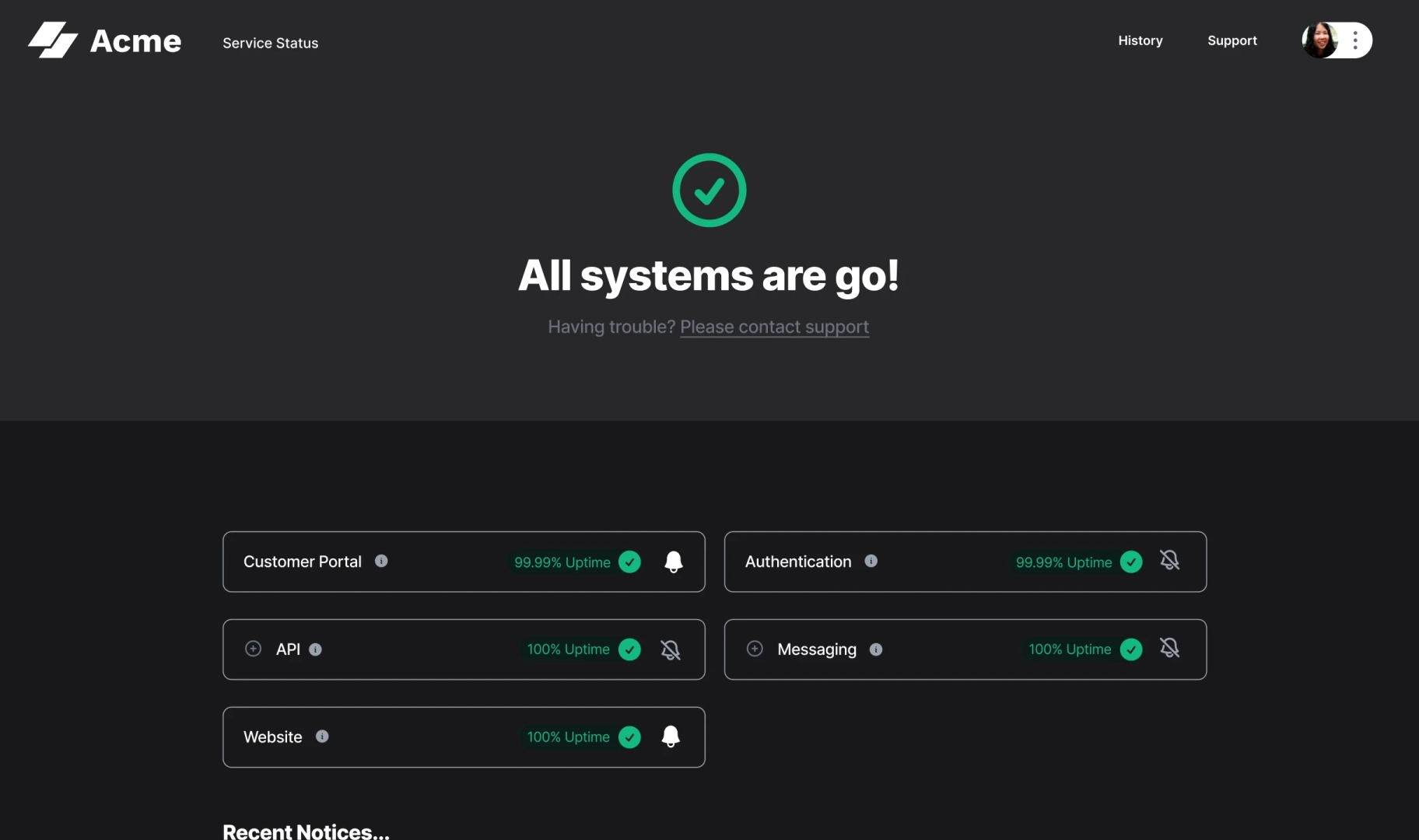
Whatever the case, manually updating each channel separately can be incredibly time-consuming and laborious. To help expedite communication to your chosen channels and maintain consistent messaging, set up a status page to distribute your messages to each channel in one fell swoop.
Tip: A status page is only effective if people know about it. Introduce your status page during onboarding and link to it from your website footer or application UI.
7. Provide consistent updates
Once you've acknowledged the incident, you must give customers regular updates. The appropriate frequency of updates depends on the severity of the incident. For example, if you're experiencing a complete outage, a 1-hour gap between updates won't be acceptable to most customers; you'll want to provide updates more often than that.
The incident communicator should ensure appropriate updates are given to customers. If you wait too long between updates, customers will start feeling anxious and may even get upset with you. Maintain continuous updates about the incident, even if it's simply "We're still working on resolving this."
Your customers want to know you're doing everything possible to restore service, but if you're not communicating very often, it leaves room for questions and uncertainty.
Tip: Define the update frequency for each incident severity level and include this in your incident communication plan. For example, for major incidents, updates must be provided every 15 minutes. Document this and share it with your team. Here's an example:
| Severity | Suggested update frequency |
|---|---|
| Critical / full outage | Every 15-30 minutes |
| Major / significant impact | Every 30-60 minutes |
| Minor / limited impact | Every 2-4 hours or at key milestones |
8. Run mock incidents
Practice makes perfect. Don't wait for a real-life incident before you run through your communication workflows. Set up monthly or quarterly "fire drills" or "mock incidents" to run through various scenarios, ensuring your team is prepared, equipped, and comfortable communicating about incidents quickly.
Just like an incident in the real world, conclude with a retrospective or post-incident review to understand and document what went well and what needs improvement. Use these takeaways to update your incident communication plan and improve your process.
Tip: Put mock incidents on the calendar and make them non-negotiable. The more you practice, the more your team will run like a well-oiled machine under pressure.
Quick communication requires a plan
Communication delays can cause a lot of customer frustration, especially early on in an incident. If those frustrated customers go public with their complaints, it can create a negative brand perception around your business, deterring potential customers from doing business with you.
With some planning and practice, you can eliminate those delays and deliver a better customer experience that builds trust, sets expectations, and saves your support team from an influx of support tickets. At the end of the day, if you do one thing, do this: communicate early, even if you don't have all the details yet.
Interested in improving your incident communication process? Check out Sorry™, the easiest status page tool for handling incident communication through multiple channels.
FAQs
What does an incident communicator do?
The incident communicator is the person responsible for keeping customers informed during an outage or service disruption. This could be a support lead, engineering manager, or even a founder, depending on your team size. The key is to have someone designated for the role before an incident occurs.
How quickly should you communicate during an outage?
As soon as you're aware of the issue, even before you have full details. An initial update like "we're investigating reports of an issue" is far better than staying silent while you gather more information. You can always follow up with the specifics once you know more.
What causes delays in incident communication?
Incident communication delays are caused by not having a designated communicator, waiting until all details are confirmed before saying anything, lacking a plan for after-hours incidents, and not having the proper tooling setup to get the message out. Each of these scenarios creates gaps that leave customers in the dark, often more damaging than the incident itself.
Interested in improving your incident communication process?
We provide the easiest status page tool for handling incident communication through multiple channels.