5 Atlassian Statuspage alternatives for incident communication at scale


Atlassian Statuspage dominates the market for good reason. It's reliable, well-integrated with the Atlassian ecosystem, and trusted by thousands of companies. But it's not the only option, and for many teams it's not the best fit.
I know this because I was the first Customer Success Manager at Atlassian Statuspage. I've seen where the product shines and where it falls short. I've heard from customers about what they love and what they wish the product could do.
Whether you're looking for a different pricing structure, need features Statuspage doesn't offer, or simply want a different approach to incident communication, there are several strong Statuspage alternatives. Some offer better multi-page management, others focus on automation, and they all vary in price.
This guide covers five Statuspage alternatives worth evaluating, in order of when they hit the market:
- Status.io
- Statuscast
- Sorry™
- Cachet
- Statuspal
It's worth noting that we're focusing on status page and incident communication tools in this article. These platforms are built to keep customers and stakeholders informed during outages and maintenance – that's their core purpose. We're not covering comprehensive incident management platforms like PagerDuty or Incident.io, which are designed to orchestrate your internal incident response process.
If you need a tool to manage on-call schedules and run war rooms, those platforms are worth exploring, but they solve a different problem than the tools covered here.
What is Atlassian Statuspage?
Atlassian Statuspage is the most widely used status page platform on the market. Originally launched as Statuspage.io in 2013, it was acquired by Atlassian in 2016 and has since become the default choice for thousands of companies, from startups to enterprises like Dropbox, Shopify, and DigitalOcean.
Statuspage does the fundamentals well. The interface is clean and intuitive, making it easy to post incidents, schedule maintenance events, and send notifications across email, SMS, and webhooks. It integrates seamlessly with Jira and Jira Service Management and simplifies user management with Atlassian ID, making it an obvious choice for teams already using those tools.
The platform offers flexible customization options that let you match your status page to your existing web properties. You can create custom domains, add your logo and colors, and inject CSS for even more control of the page style. Statuspage also provides detailed metrics and uptime reporting, giving you and your customers visibility into how your services are performing over time.
Where teams run into limitations
Despite its strengths, Atlassian Statuspage isn't the right fit for every team. The Atlassian acquisition brought benefits like tighter integrations, but it also introduced complexity. Teams that don't use other Atlassian products sometimes find themselves navigating an ecosystem built for a different workflow or scale.
Statuspage's approach to managing multiple status pages can feel cumbersome. Each page operates independently without a unified view for subscribers who need to monitor several services. Teams managing complex, multi-service infrastructure often want a unified view that consolidates their individual pages. With Statuspage, achieving this requires significant development and design work – and even then, the subscriber experience remains fragmented.
Customers have also reported difficulties in reaching a human support agent, and even though it remains a leading tool for incident communication, product development has stalled in recent years.
Who Statuspage works best for
Statuspage remains a solid choice for companies already invested in the Atlassian ecosystem. If you're using Jira for incident management and want tight integration between your status page and your internal tools, Statuspage makes sense.
It's also a strong option for teams who prioritize brand recognition. Statuspage's out-of-the-box design is recognizable and signals you're using an industry-standard tool.
But if you're looking for a more modern approach to incident communication, better value for multiple status pages, or a platform that doesn't require you to adopt an entire ecosystem, it's worth exploring the alternatives.
Comparison table
We'll dive into the details below, but here's a quick comparison of the Statuspage alternatives we'll cover in this guide.
| Feature | Statuspage | Status.io | StatusCast | Sorry™ | Cachet | Statuspal |
|---|---|---|---|---|---|---|
| Starting price | Starts free | $79/mo | Not published | $99/mo | Free (self-hosted) | $49/month |
| Multi-page management | Separate subscription per page | Separate pages | Separate pages | Consolidated view of all pages | Manual setup | Unlimited pages included |
| Estimated setup time | < 30 min | 1-2 hours | 1-2 hours | < 30 min | Several hours | 1-2 hours |
| Customer support | 24/7 on higher plans | 24/7 | 24/7 | 24/7 human support | Community support | Limited hours |
1. Status.io
Launched in: 2013
Pricing: Starts at $79/month
Best for: Mid-market and enterprise SaaS with multiple systems, strict compliance requirements, and heavy incident communication needs.
Status.io offers industry-standard features for incident communication teams, including scheduled maintenance, incident notifications, and multi-level components. What stands out about Status.io is its ability to display the geographic locations of your services on a map. This is great for teams that have services across multiple locations.
Status.io caters to a more technical audience, and its feature set shows it. Depending on the plan, you can add custom HTTP headers to all status page responses and use your own TLS/SSL certificate.
Customization options let you modify the page's look and feel to match your brand aesthetic. Depending on the plan, you can even edit the HTML, CSS, and JavaScript of the page, giving you complete control of the page design and layout.
Key features
- Nested components with the option to display them horizontally or vertically
- Monitoring integrations for New Relic, Pingdom, and PagerDuty
- Visual location map to display the geographic location of services
Pros
- Feature-rich and automation-friendly for complex environments
- Strong enterprise features (SSO, audit trail, compliance tools, custom SSL certs)
- Full customization of page look and feel
Cons
- Can feel feature-bloated for smaller or less technical teams
- The admin interface feels dated
Example page: status.roblox.com
2. StatusCast
Launched in: 2013
Pricing: Not published
Best for: Teams who want something closer to a full incident management lifecycle solution while still prioritizing incident communication.
StatusCast is the one tool in this list that offers some lightweight incident management workflow capabilities, but their core offering (and where they started) is their status page tool for incident communication.
They offer unique automation features and integrations with leading monitoring platforms like DynaTrace, Datadog, Pingdom, and New Relic. The platform's standout feature is "Beacons," which are codeless integrations that automatically update your status page.
Depending on your needs, StatusCast might be overkill. But if you're looking for a tool you can grow into and partially automate, this might be a great choice.
Key features
- "Beacons" for automated status updates from monitoring tools
- Multi-channel notifications
- Granular notification controls
- Public and private status pages
Pros
- Strong automation capabilities
- Good for teams managing multiple services or customer segments
- Solid integration ecosystem
Cons
- Can be overwhelming to configure for less technical teams
- Might be too focused on automation and monitoring for some teams
Example page: fastlystatus.com
3. Sorry™
Launched in: 2014
Pricing: Starts at $99/month
Best for: Enterprise and mid-market teams managing multiple status pages who want their subscribers to see everything in one place and not scattered across separate pages.
Sorry™ (also referred to as SorryApp) has been in the game almost as long as Atlassian Statuspage, with a core focus on helping teams be more transparent and communicate better during outages.
What sets Sorry™ apart is its unified approach to communication. Where most status page tools separate incidents, maintenance, and general updates into different workflows, Sorry™ treats them all as "notices" with a single, consistent interface. This means faster communication, regardless of the type of update you're posting.
Sorry™ also makes it easy to manage multiple status pages under a single account with their status page "Collections" feature, making it an attractive solution for enterprise incident communication teams. Collections makes it easier for teams to manage communication around an expansive service catalog while providing a superior subscriber experience compared to other status page tools.
The team behind Sorry™ is responsive and willing to hop on the phone with customers and potential customers. Over the years, they've earned the trust of tech giants such as Broadcom, Amazon, Postmark, and many others.
Key features
- Collections for managing multiple status pages with unified subscriber profiles
- Unified notice system (incidents, maintenance, changes in one workflow)
- Transparent and simple uptime calculation methodology
Pros
- Streamlined multi-page management with Sorry™ Collections
- Modern interface that's fast to learn
- Responsive customer support
- Powerful APIs
Cons
- Limited design customizations
- No audit log
Example page: status.broadcom.com
4. Cachet
Launched in: 2014
Pricing: Free (open-source)
Best for: Budget-conscious teams who have the expertise to self-host their status page.
Cachet is an open-source status page system created by James Brooks. It was built as a free alternative to commercial status page platforms, and it remains one of the few truly open-source options in the space.
The platform is built on Laravel and designed to be fully extensible. If you need custom functionality, you can modify the code directly or build plugins. For teams with specific requirements that commercial platforms can't meet, this flexibility is valuable, but requires solid technical chops.
Being an open-source solution, you need to host your own status page, which can be costly and risky. If your infrastructure goes down, your status page won't be available.
Key features
- Open-source and completely free
- Full control over customization and code
- Active community and documentation
Pros
- Zero licensing cost
- No vendor lock-in or subscription dependencies
- Choose where to host it
Cons
- Requires technical expertise to set up and maintain
- You're responsible for uptime, security, and updates
- Self-hosting means your status page could go down with the rest of your infrastructure
- No dedicated support available
Example page: v3.cachethq.io
5. Statuspal
Launched in: 2017
Pricing: Starts at $49/month
Best for: Incident communication teams who want a more automated solution and require multiple pages.
Statuspal is a newer alternative to Atlassian Statuspage, positioned as an intelligent status page platform with strong automation capabilities. The platform is designed for DevOps and SRE teams who want their status pages to stay in sync with their infrastructure without much manual intervention.
One of Statuspal's key differentiators is that you can have unlimited status pages on all plans. While most competitors charge per page, Statuspal lets you create as many as you need, making it appealing for teams managing multiple services or brands.
Key features
- Recurring scheduled maintenance automation
- Built-in website monitoring
- Automated incident creation and resolution
Pros
- Unlimited status pages included
- Good automation features to reduce manual work
- Competitive pricing for growing teams that need multiple pages
Cons
- Fewer enterprise-specific features
- Focus on automation vs. human-centric communication
- Limited API capabilities
Example page: status.booxi.com
How to choose the right Statuspage alternative
Choosing a status page platform isn't just about features and pricing. You need to find a tool that fits how your team actually works during incidents. Here's what to focus on when evaluating alternatives.
Consider your infrastructure complexity
If you're managing multiple data centers, serving different customer tiers, or need to communicate granular status details across dozens of services, you need a platform to support that. If your setup is more straightforward with just a handful of core services that are either up or down, a simpler tool will serve you better.
Think about how many status pages you need
This is where pricing models diverge significantly. If you need multiple pages for separate products, different brands, or distinct customer segments, pay close attention to how platforms charge for this. Some tools charge per page, which gets expensive quickly.
But price isn't the only consideration here. You need a platform that makes it easy to manage multiple status pages and delivers an intuitive subscriber experience on the front end.
Don't underestimate customer support
Your status page is a mission-critical system. You can't afford to fumble through automated support bots that lead you to a dead end, and you don't have the time to wait several days for a human to respond.
Smaller companies like Sorry™ often have an advantage here. With a small, focused team, you're more likely to get quick, helpful responses from product experts. Larger platforms may have more resources, but the quality of support varies significantly by plan tier.
Evaluate the total cost
Pricing isn't just the monthly subscription. You have to factor in:
- How costs scale with subscribers, admins, and pages
- Whether there's an upcharge for certain integrations
- Hidden costs like implementation time or ongoing maintenance (especially relevant with Cachet, where you need to host and maintain your own infrastructure)
- The cost of switching later if you outgrow your status page tool
Ready to explore your options? Start a free trial with Sorry or reach out to see how Collections can simplify multi-page management for your team.
Ready to switch from Statuspage?
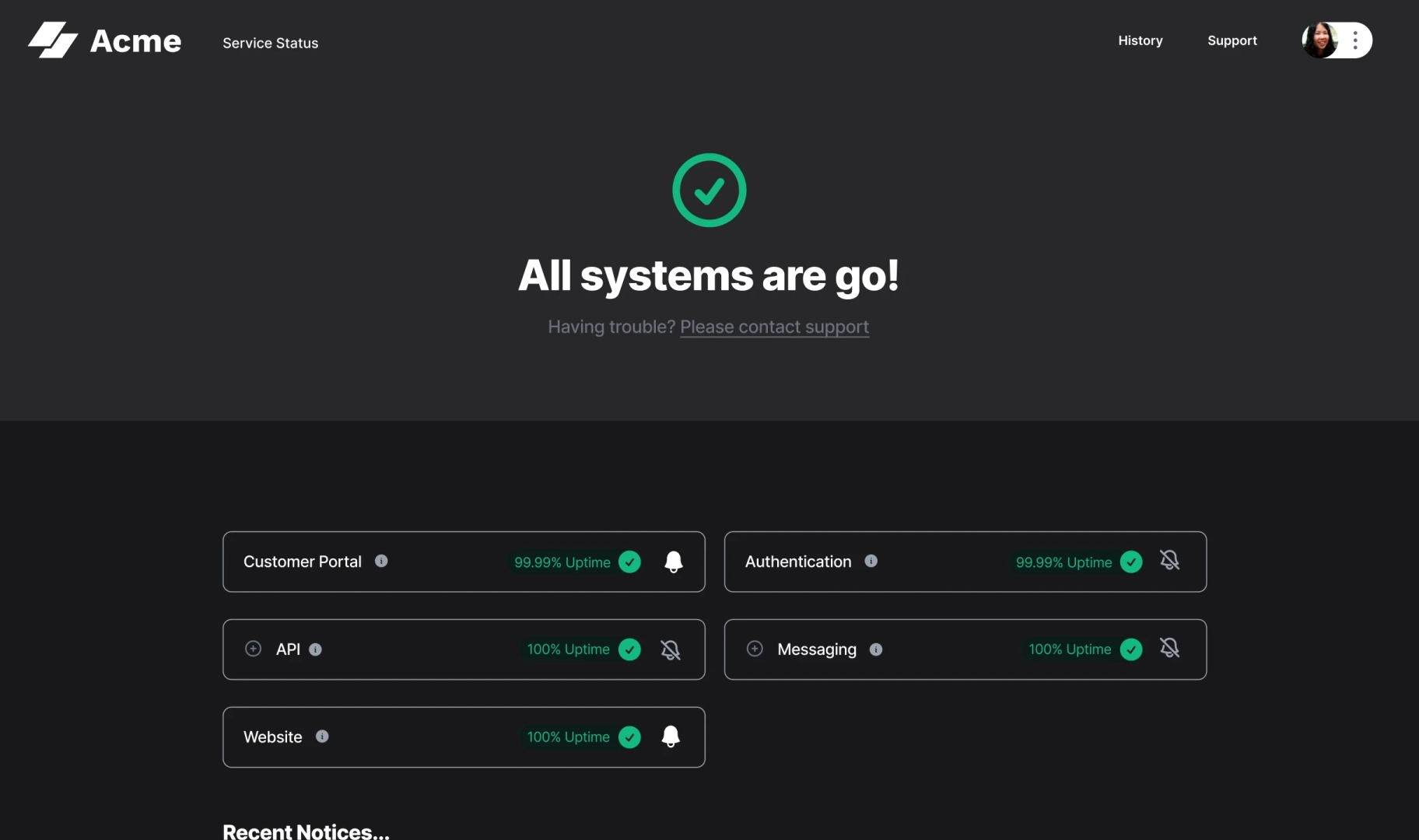
Sorry™ makes it easy to migrate from Atlassian Statuspage and manage all your status pages in one place.

Frequently asked questions
- What's the cheapest alternative to Statuspage?
Cachet is a free status page tool (open-source, self-hosted), but it requires technical expertise and hosting costs. For hosted solutions, Statuspal starts at $49/month. However, the total cost depends on your needs. Cheaper entry pricing can become expensive as you scale with subscribers, multiple pages, and team members.
- Can I switch from Statuspage to another platform without losing my history?
Yes. Sorry™ has a migration tool, making it simple to migrate from Atlassian Statuspage to Sorry™. Other tools often let you migrate using their API or by creating historical incidents in the UI.
- Do I need a status page if I already use Slack or email for incident updates?
Yes, you need a status page. Slack and email work for internal teams up to a certain point, but status pages serve your customers and reduce support load. A good status page tool helps you communicate at scale.
- Is it worth paying for a status page when Cachet is free?
It depends on your team's capabilities. Cachet is free but requires hosting, maintenance, security updates, and technical expertise. Hosted solutions cost money but include uptime guarantees, automatic updates, support, and no infrastructure management. Most teams find hosted solutions well worth the cost for the peace of mind they offer.